Spanish Dubbingfor YouTubers
Get a Spanish audio track for your videos, recorded by a native Spanish voice actor or in your own voice with AI. A real voice, not robotic auto-dub.
Expand Your Global Reach
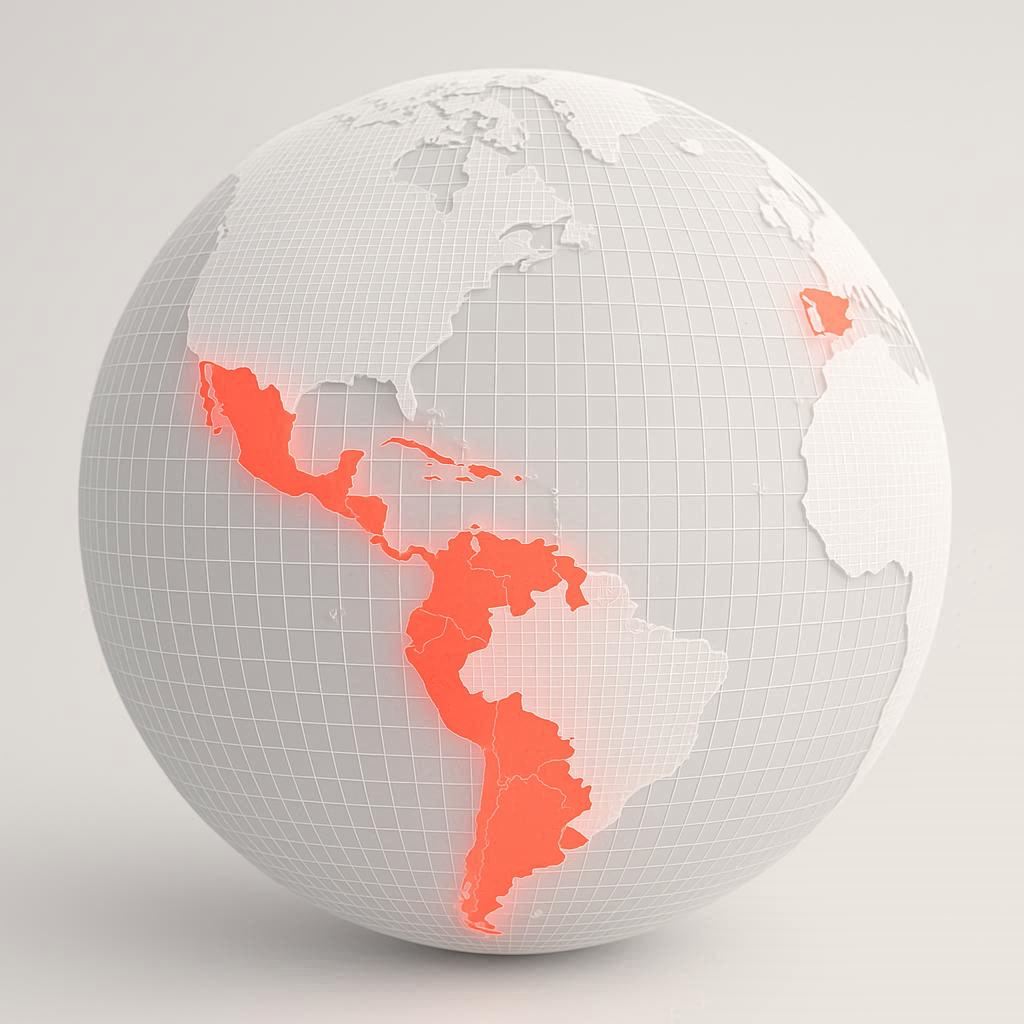
Translating your videos into Spanish opens doors to over 600 million new viewers worldwide. Build genuine connections, grow your audience base, and take your brand to international heights.

Reinvest in your Channel
Created to help YouTubers reinvest in their channels. Our goal is to make professional video translation fast, affordable, and frustration-free.
Your Voice. Real Emotion.
Your audience deserves more than a robotic text to speech voice. Our translators and AI voice cloning capture your tone, emotion, and personality to give your Spanish audience the same authentic experience as your English viewers.

Simple pricing
Priced per minute of video. You see the exact price before you pay.
Voice Actor
About $11.35 / minute
Videos under 5 minutes: $5 minimum service fee
- Native Spanish-speaking voice actor
- Translated and performed by a person
- Ready in 3–5 days
AI Voice
$6 / minute
$5 minimum
- Your own voice, speaking Spanish
- Made with AI voice cloning
- Ready in minutes
How it compares to YouTube auto-dubbing
Voice Actor
- Voice
- Native Spanish voice actor
- Sounds like
- A real performance
- Price per minute
- About $11.35
- Ready in
- 3–5 days
AI Voice
- Voice
- Your own voice (AI clone)
- Sounds like
- You
- Price per minute
- $6
- Ready in
- Minutes
YouTube auto-dub
- Voice
- Generic synthetic voice
- Sounds like
- Text-to-speech
- Price per minute
- Free
- Ready in
- Automatic
| Voice Actor | AI Voice | YouTube auto-dub | |
|---|---|---|---|
| Voice | Native Spanish voice actor | Your own voice (AI clone) | Generic synthetic voice |
| Sounds like | A real performance | You | Text-to-speech |
| Price per minute | About $11.35 | $6 | Free |
| Ready in | 3–5 days | Minutes | Automatic |
Questions
What do I get?
A Spanish audio track for your video. You add it to your YouTube video as an extra language, so Spanish-speaking viewers can pick Spanish audio while your original video stays exactly the same.
How much does it cost?
Voice Actor is about $11.35 per minute of video (videos under 5 minutes cost a little more per minute because of a $5 minimum service fee). AI Voice is $6 per minute, with a $5 minimum. You see the exact price before you pay.
How long does it take?
AI Voice is usually ready in minutes. For Voice Actor you choose a deadline at least 4 days away, and most projects are done in 3 to 5 days.
Who records the Spanish voice?
With Voice Actor, a native Spanish-speaking voice actor translates your video and records it. With AI Voice, your own voice is cloned with AI and speaks the Spanish translation.
Why not just use YouTube’s automatic dubbing?
Auto-dubbing is free, but it uses a generic synthetic voice that doesn’t sound like you. We give your Spanish viewers a real performance: a voice actor, or your own voice.
How do I add the Spanish track to YouTube?
In YouTube Studio, open your video, go to Languages, add Spanish and upload the audio file. Our free YouTuber’s Guide shows every step with screenshots. Read the guide
Can I keep my game audio and music?
Yes. If your voice is recorded on its own track, mute your English voice and put the Spanish voice in its place. Your game audio and music stay as they are.
How do I send my video?
Paste a YouTube link (unlisted works) or upload the file. Videos can be up to 4 hours long.
What if I’m not happy with it?
If no voice actor delivers your project, or you cancel before one starts, you get a full refund. If we can’t create your AI Voice track, you get a full refund, and if there’s a problem with a delivered AI Voice track, contact us within 7 days and we’ll redo or refund it.
Ready to Bring Your Videos to aWhole New Audience?
Start your journey today with our English-to-Spanish translation platform, where quality meets simplicity.